Market Research with Outscraper

Stop wasting 100+ hours on manual spreadsheets. Get real-time competitor mapping, pricing intelligence, and customer sentiment from Google Maps, Reviews, SERPs, Universal AI Scrapers, etc.
No credit card required. Includes 500 free records.
Outscraper Market Research

Why Market Research Needs Web Data (Not Guesswork)
What “market research” means today

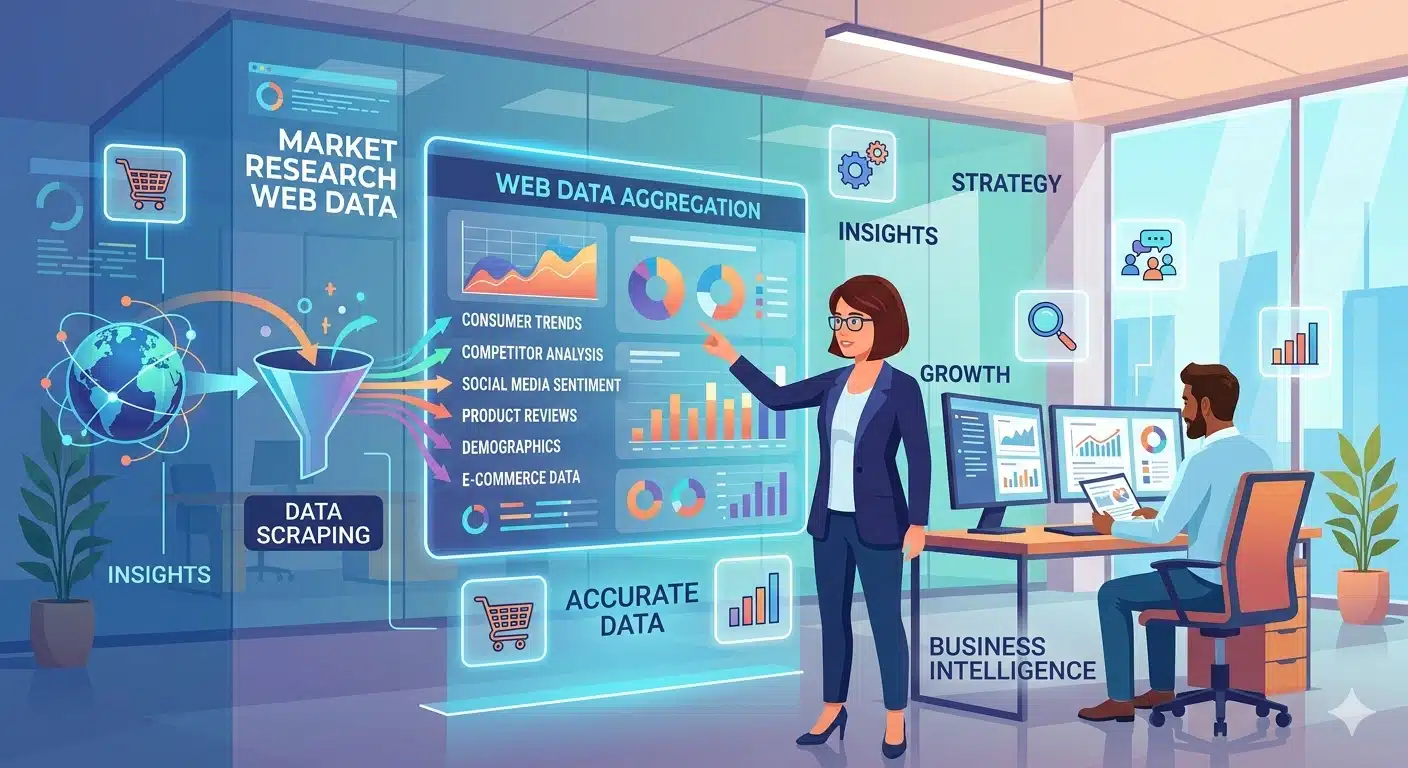
Market research is no longer a one-time project that ends in a stale PDF. By using web data for market research, you maintain an automated pulse on competitor shifts as they happen.

What web data adds that surveys can’t

Surveys measure intent, but web scraping for market research measures reality. By performing review monitoring and scraping live listings, you identify where competitors are winning and failing.

Analyze the data and start measuring

What You Can Learn with Outscraper

Move from fragmented data to enriched market intelligence. Outscraper combines location signals, customer feedback, and website metadata into a single, research-ready dataset. No more manual merging or messy spreadsheets.

Competitor landscape

Perform deep competitor analysis to identify market leaders by review volume and ratings. See who is winning in a territory before you enter.

Pricing and offers

Set up automated price monitoring to track points and promos across 100+ competitors. Establish your pricing band without manual searching.

Customer Sentiment

Find “missing features” using customer sentiment analysis. Discover what customers are begging for in competitor reviews through Voice of Customer (VoC) insights.

Demand Signals

Conduct trend analysis to monitor new listings and search interest. Spot rising demand signals before they show up in a quarterly report.

Market Mapping

Use location intelligence to find whitespace. Identify areas with high demand but weak competition using geographic data layers.

Sources You Can Pull From

Google Maps

Best for location intelligence. Map every competitor in a city and see their service attributes in one file.

Reviews Platforms

Best for customer sentiment. Analyze Google and Trustpilot reviews to identify gaps in competitors’ service.

SERPs

Best for search visibility. Identify who owns the high-intent keywords in your market.

Universal AI Scraper

Best for niche sites. A custom tool that extracts data from niche directories or competitor sites and turns it into a structured CSV.

The No-Code Workflow (Step-by-Step)

Go from raw web data to a research-ready dataset in minutes. Outscraper handles the infrastructure so you can focus on the insights.

Step 1:
Define your market slice

Select your target geography, business category, and competitor set. Narrow your focus by city, state, or specific keywords to find the exact data you need for your market mapping.

Step 2:
Collect structured data

Choose your source (Google Maps, Reviews, or SERPs) and click Run. Outscraper manages the proxies and CAPTCHA in the background while your task processes in the cloud.

Step 3:
Enrich for research-ready datasets

Add deep metadata like social media profiles, verified emails, and phone numbers. Automatically deduplicate your results to ensure your final file is clean and ready for immediate analysis.

Step 4:
Analyze and visualize

Export your data to CSV or Excel and move straight into your strategy docs, CRM, or BI tools. Use your preferred templates to turn the raw rows into pricing bands and competitor scorecards.

Step 5:
Monitor market changes

Schedule recurring pulls to track pricing shifts, new competitor listings, and review trends automatically. Stay ahead of the market without having to restart your research tasks manually.

Use Case Playbooks

Market sizing with Google Maps categories

Estimate your Total Addressable Market (TAM) by using Google Maps categories to count active listings and density across specific geographies. By collecting total listings and filtering by city or state, you generate a structured count of the local landscape. This allows you to identify underserved territories where competition is low enough to focus your next expansion.

Competitor benchmarking and positioning

Map your local landscape to see who is winning the most market share by volume and rating. Collect performance data like review counts and service attributes to build a scorecard of your top rivals. By filtering for the highest-rated businesses in your niche, you can pinpoint exactly where competitors are failing and message your own strengths more effectively.

Pricing and offer intelligence

Build a dynamic pricing band based on real-world competitor behavior rather than static industry reports. Use Outscraper to track price points and seasonal promos by monitoring competitor landing pages on a recurring schedule. This structured output allows you to adjust your rates and offers in real time based on actual market shifts.

Voice of Customer (VoC) analysis

Turn thousands of review themes into a roadmap for your next product feature or service improvement. Collect review text from platforms like Google and Trustpilot, then filter for common complaints or specific “1-star” feedback. This identifies recurring service gaps so you can build the exact solutions your competitors are consistently failing to provide.

Data-driven launch planning

Pick your next expansion city by combining location density with local demand signals. Analyze competitor counts alongside high-intent search results to create a heat map of supply versus demand. This data allows you to pinpoint your next launch site by finding areas with the highest probability of rapid growth and the lowest barrier to entry.

Research interview recruitment

Identify high-quality businesses or experts for qualitative research and focus groups. Use Outscraper to build a list of active business owners and then enrich that data with verified emails and social profiles. This creates a research-ready lead list that allows you to shorten your product discovery and research phase by speaking directly to the most relevant people in your industry.

Why Outscraper Over Alternatives

Unlike Bright Data, which requires technical setup, or Apify, which often requires developer skills, Outscraper is built for the Operator.

At a Glance

Feature

Setup Time

Maintenance

Pricing

Focus

Outscraper

Minutes (No-Code)

Zero (Handled for You)

Usage-Based (Start Free)

Business Growth & Leads

Others

Hours (Coding/Proxies)

High (Broken Scripts)

High Monthly Minimums

Developer Infrastructure

Why You Should Use Outscraper

Build Your First Market Snapshot Today

How to Get Started with Outscraper for Free

Pricing & Getting Started Fast

We believe you should see the value of your data before you open your wallet. That is why our onboarding is built around speed and transparency.

Start on Free Tier and scale as needed

You can test your research ideas with our free tier. No credit card required to get started. This allows you to run a few small tasks, check the data quality, and confirm that the output fits your research needs before you ever spend a dollar.

What you pay for and why it is predictable

Our pricing is predictable because it is based on the data you actually use. Unlike other platforms, you do not have to pay for a pro subscription or expensive monthly minimums just to unlock a specific scraper. Whether you are pulling 100 reviews or 100,000 business listings, you are only billed for the clean, structured data that makes it into your final file.

FAQ

1. Is web data legal for market research?
Yes. Outscraper only extracts publicly available data that is accessible to anyone on the open web. We handle the technical compliance so your research remains ethical and within public data boundaries.
The data is 100% accurate to the source. Because Outscraper pulls directly from live listings and reviews at the moment you click Get Data, you are seeing exactly what a customer sees on their screen.

The fastest method is using the Google Maps scraper. By selecting your business category and a specific city, you can generate a full list of local competitors with their ratings and contact info in under five minutes.

Yes. All data is delivered in structured CSV or JSON formats. You can move these files straight into Excel or Google Sheets for immediate analysis or upload them to your CRM.

You can set your data tasks to run weekly, monthly, or on a custom schedule using the built-in Scheduler. This allows you to automatically track pricing shifts and new competitor listings without logging in or restarting the task.

No. Your subscription is all-inclusive. We manage the proxies and automatic CAPTCHA handling behind the scenes. You only have to focus on the data in your CSV.

We use a results-based pricing model. You are only charged for successful results. If the system cannot find the data you requested, that task does not cost you anything.