Price Comparison at Scale (No-Code) with Outscraper
Manual price checking is too slow for modern eCommerce. Outscraper provides a no-code product price scraper that handles proxies and custom code for you. It automates the process to scrape product prices from any marketplace while only paying for the successful results you extract.
- No-code research setup
- Results-based pricing
- Research-ready exports
No credit card required. Includes 500 free records.
What “Price Comparison” Means for Modern Teams
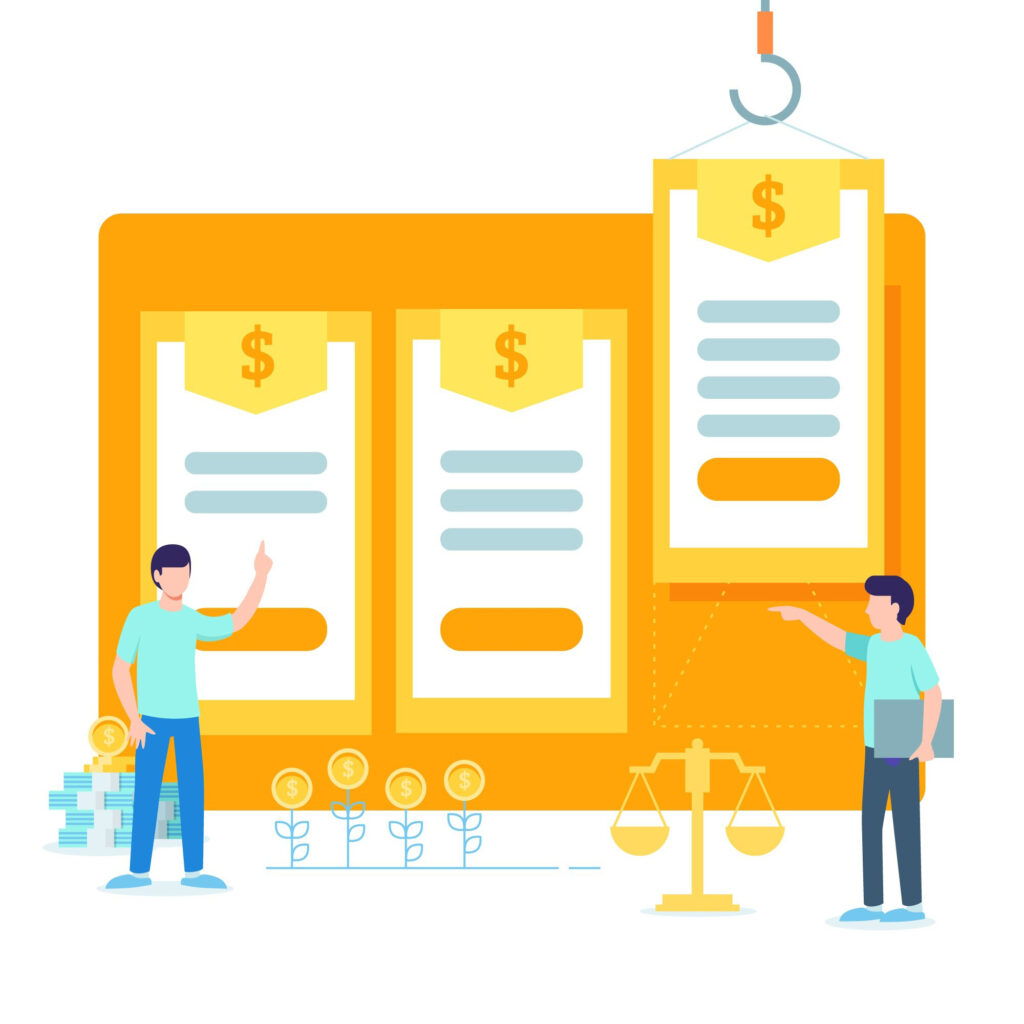
Comparing prices is about knowing where your products sit in the market at any second. It is the difference between having an accurate rank and being invisible to customers.

Price comparison vs. price monitoring vs. price intelligence
These terms serve different goals. eCommerce price comparison is checking one SKU against another right now. Competitor price monitoring is the task of watching those numbers change over time. Price Intelligence is the result: using that data to set your own margins or spot market trends.
When it matters most
In high-competition categories, a $1 difference can move you from the top of search results to the bottom. This is vital for dynamic pricing during promos, seasonal demand spikes, or when tracking price parity/MAP monitoring for brand compliance. When a competitor drops prices, you need to know in minutes, not days.
What Data Can You Extract from Price Comparison?
To get the full view of the market, you need more than just a sticker price. You need to see exactly what the customer sees when they hit the “Buy” button.
Pricing fields
Most teams start by pulling the list prices and the sale prices. However, monitoring shipping and availability is a common need for any serious price tracking program. You should collect shipping costs and taxes to see the true “landed” cost. This tells you if a competitor is appearing cheaper on the search page, only to add high shipping fees at checkout.
Market signals
Stock availability is a major signal for retail price tracking. If a competitor has a lower price but zero stock, you do not need to match them. Outscraper lets you extract availability, seller, ratings, and delivery times alongside the price. This gives you the context needed for an accurate competitor pricing analysis.
Best Sources for Price Comparison and When to Use Each
Where you look for data depends on your goal. Each platform offers a different view of how competitors position their products.

Google Shopping
Google shopping price scraping shows the broader market in one place. It shows you how your products look next to dozens of other retailers on a single search page. Since most customers start here, your rank on this page determines your clicks.
Marketplaces (Amazon, Target, big retail)
Marketplace price tracking is where price wars happen fastest. Scraping these sites helps you see which third-party sellers are undercutting your brand. It also helps you spot when a major retailer drops prices to clear out old stock.

Direct-to-consumer competitor sites
Some competitors avoid marketplaces to keep their margins high. Using a pricing data extraction API to scrape their own sites directly gives you the most accurate data on their exclusive loyalty discounts or “hidden” promos. This is the best way to see the actual price they offer to their own customers.
How to Do Price Comparison with Outscraper (No-Code Workflow)
Building your own scraper is expensive. You have to fix broken scripts and manage proxies every time a site changes. Every hour your developers spend fixing a scraper is an hour they are not building your product. Outscraper handles the infrastructure for you. Just provide the URLs, and we deliver the data.
Step 1:
Choose your comparison method
Pick the source you want to target. You can use Google Shopping Scraper or target specific eCommerce domains.
Step 2:
Run the scrape
Outscraper handles the hard parts. We use a cloud-based API to bypass blocks and extract data.
Step 3:
Export + connect to your stack
Download your data in CSV, XLSX, or JSON.
Step 4:
Compare, alert, and act
Use the data to trigger price change alerts for your top SKUs. When a competitor drops their price, your team receives a notification to adjust yours.
Product Matching and Normalization
To compare prices accurately, you must confirm you are looking at the exact same item across different stores. Data formats vary from site to site, so you need a way to clean and match the information before you can act.
Matching keys that work
To compare two items, you need a shared ID. Use SKU matching / UPC / EAN matching to confirm you are tracking the same product. While some tools use “AI matching” to predict if items are the same, those predictions can lead to pricing errors. Outscraper focuses on hard identifiers and brand strings for accuracy. If those IDs are missing, you can match based on the product title and brand. This prevents you from accidentally comparing a premium model to a basic one.
Normalize before you compare
Data comes in different formats. One site might list currency as “$10.00” while another says “10 USD.” Outscraper helps you get clean data so your spreadsheets don’t break.
“The Missing Gap” section
Most tools just dump data into a spreadsheet and leave the cleanup to you. Outscraper focuses on the “after,” meaning the data is already formatted so you can use it immediately for your competitor pricing analysis.
Why Outscraper for Price Comparison
Most scraping tools trap you in a monthly subscription where you pay for seats and credits you might not use. This cuts into your profits during slow months and makes testing new ideas too expensive. Outscraper changes this with a pay-as-you-go model where you only pay for the successful results we deliver.

Outscraper = no-code + pay for results + profitable costs
If you need to monitor 1,000 products once a week, you can calculate the exact cost. No hidden fees or “base” cost.
-
No infrastructure headaches
We handle the proxies and CAPTCHA. -
High-speed delivery
Our API handles large requests across many domains at once. -
Scalable monitoring
Scale your eCommerce price monitoring, track 10 products or 100,000, without worrying about a contract.
Common Price Comparison Use Cases
To stay competitive, you need more than just raw data. You need to know how to use it. Here are the most effective ways to apply price comparison to your business strategy.
Lorem ipsum dolor sit amet, consectetur adipiscing elit. Ut elit tellus, luctus nec ullamcorper mattis, pulvinar dapibus leo.
Competitive pricing analysis for eCommerce catalogs
See how your entire catalog stacks up against the market leader.
Promo tracking (price drops, coupon text)
Track price drops and coupon text during events like Black Friday or Cyber Monday.
MAP monitoring/brand compliance checks
Confirm that resellers are following your brand’s pricing rules.
Marketplace seller monitoring (merchant changes)
Use scraping to track who is winning the sale and how their price affects your visibility.
Travel and hospitality rate comparison
Compare rates across different platforms to ensure your properties are priced correctly for the current market.
Assortment gaps
Find colors or sizes that competitors sell, but you don’t have. This helps you identify missing items in your inventory to expand your catalog.
Weekly pricing reports for category managers
Send a clean sheet to your team every Monday morning, giving them the facts needed to make inventory and pricing decisions for the week.
“Price change alerts” for top SKUs
Set up triggers for your most important products. When a competitor drops their price on a top-seller, you get an alert so you can adjust your strategy before losing sales.
Compliance and Risk Notes
The best way to scrape is to do it responsibly. While it is a standard industry practice, how you perform your tasks matters to both technical success and professional ethics.
Practice responsible scraping
Respect site terms and avoid trying to access gated or private content that requires login. You should also rate-limit your tasks. By slowing down your requests, you avoid putting too much stress on a site’s servers.
Understand the legal rules
Web scraping can carry legal risks depending on your target and source of the data. Because laws change based on your region or industry, we recommend staying informed on the specific rules that apply to you.
Note: This guide is for informational purposes and does not constitute legal advice.

FAQ
1. How often should I monitor price comparison prices?
It depends on your industry. For fast-moving markets like electronics or fashion, daily updates are best. For more stable industries, a weekly check is usually enough to keep your prices competitive.
2. Can I scrape Google Shopping results?
Yes. Outscraper allows you to extract data from Google Shopping, including product names, prices, ratings, and seller information. This gives you a clear view of how your products look in the global search results.
3. What format do I get (CSV/JSON/XLSX)?
You can download your data in the format that works best for your workflow. We support CSV, JSON, and XLSX (Excel). This makes it easy to upload your data directly into a CRM or use it in a spreadsheet.
4. Do you handle anti-bot/CAPTCHA?
Yes. We take care of the technical hurdles like CAPTCHAs and bot detection. You do not need to worry about being blocked; we manage the infrastructure so you receive your data without any interruptions.
5. Can I monitor 1,000+ product?.
Yes. Outscraper is built to scale. Whether you are tracking ten products or over 1,000, our system handles large-scale tasks efficiently so you can monitor your entire catalog at once.
6. How do I match products across different stores?
The most reliable way is to use unique identifiers like GTIN, EAN, or UPC codes. If those are not available, you can match products by comparing the brand name and the specific model numbers in the product title.