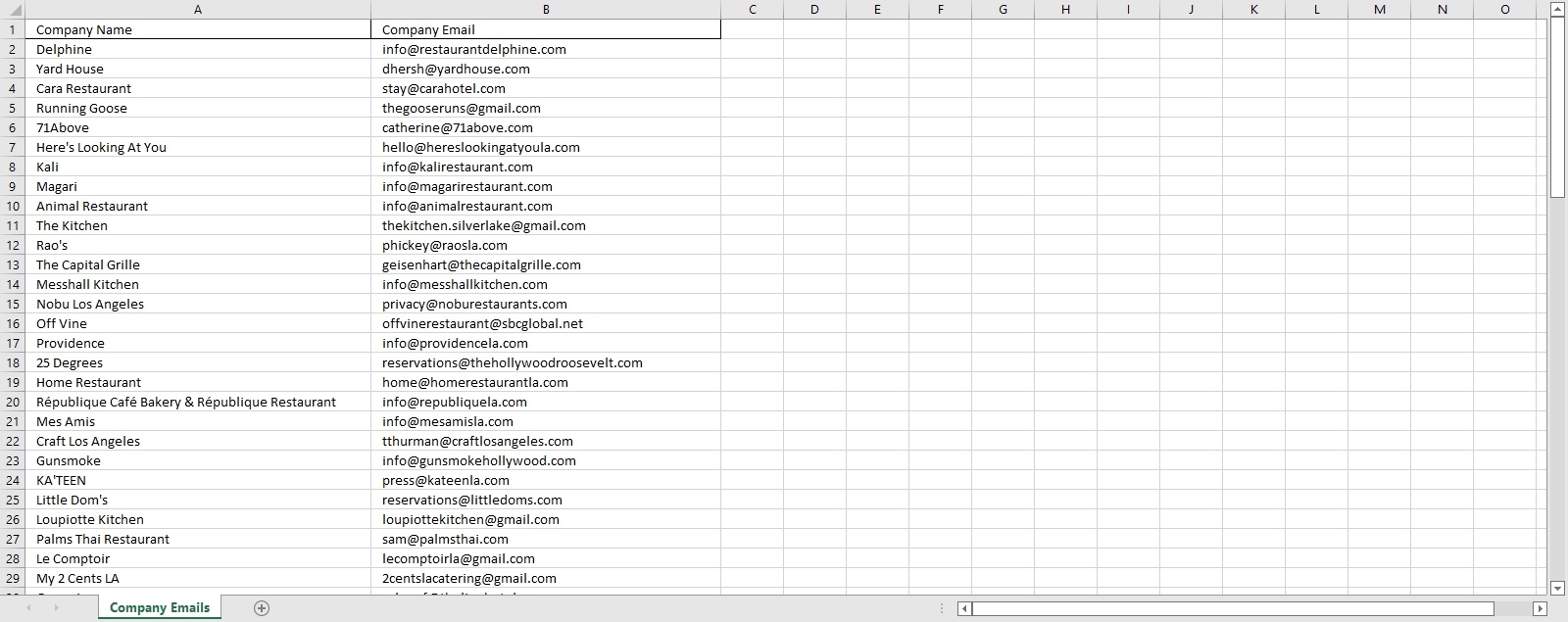
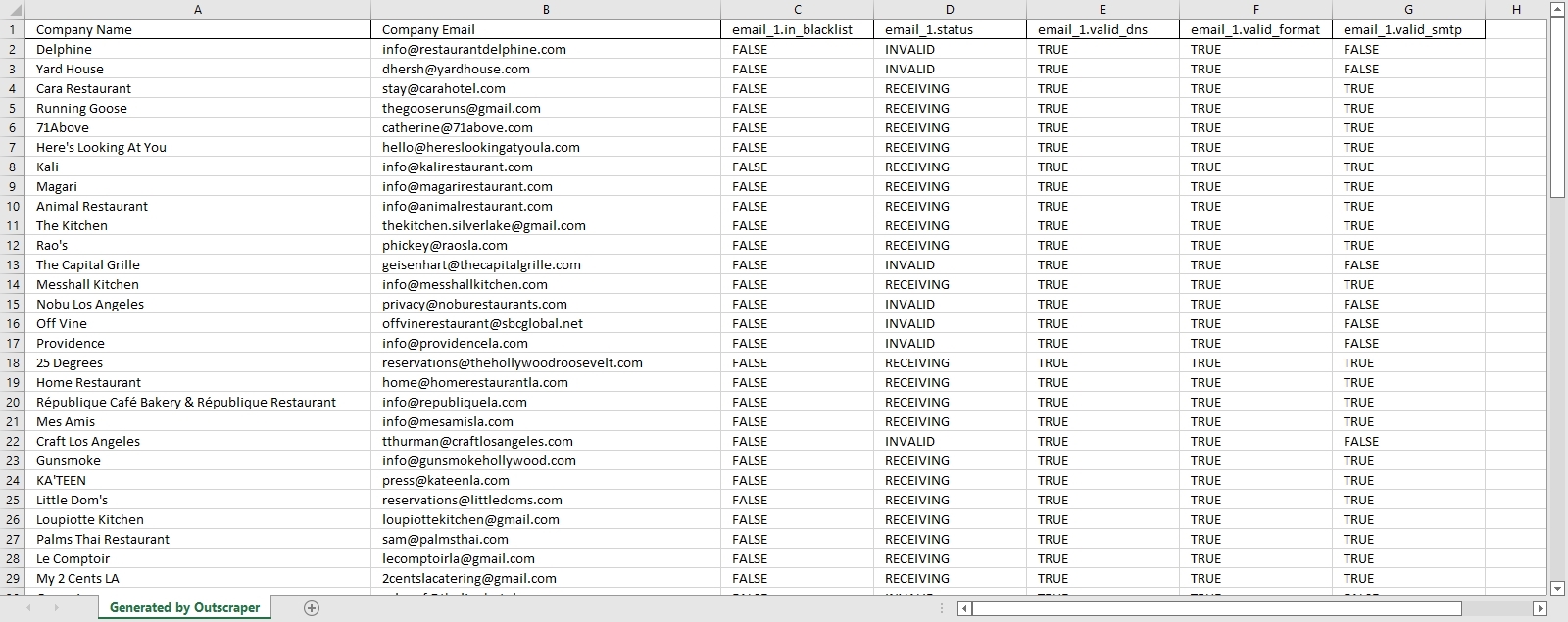


The Secret to Better ROI: Email Validation Explained
Invalid email addresses are a significant problem for online communication,...
5 Easy Ways to Master Email Verification Results
The Five Tips for Effective Email Verification is composed of...
How to Clean Email Lists to Cut Bounce Rate
Table of Contents What is Email Bounce Rate? Email bounce...

How to Scrape Emails: Step-by-Step Tutorial
Table of Contents Sign Up Creating an Account Emails &...

Outscraper đang cung cấp dữ liệu nhanh chóng và đáng tin cậy về các vị trí trên Google Maps, trong một giao diện đơn giản và trực quan. Nền tảng này có các tính năng nâng cao nhưng vẫn đủ thân thiện với người dùng. Trong 12 tháng qua, chúng tôi đã sử dụng Outscraper để trích xuất dữ liệu công khai có liên quan về hơn 120.000 địa điểm.

Là một công ty tư vấn tiếp thị kỹ thuật số, Outscraper thực sự đã tạo nên bước ngoặt cho cả doanh nghiệp và khách hàng của chúng tôi. Nó đã cho phép chúng tôi tiếp cận những khách hàng tiềm năng mới và mang lại những chiến dịch ROI ấn tượng cho khách hàng. Bất kỳ ai đang cân nhắc sử dụng Outscraper, tôi thực sự khuyên bạn nên dùng.

Outscraper dễ sử dụng hơn nhiều so với các lựa chọn thay thế khác và nó đã cung cấp cho tôi một số thông tin tuyệt vời. Dịch vụ khách hàng của họ cũng rất hữu ích khi tôi cần.

Outscraper là dịch vụ API tốt nhất mà tôi từng khám phá ra một cách may mắn (trong một bài viết từ Medium.com) - tôi đã tìm kiếm thứ gì đó như thế này từ năm 2019 và nền tảng này là nền tảng duy nhất thực sự hoạt động và hoàn thành công việc.

Cảm ơn bạn rất nhiều vì đã phản hồi và giúp đỡ! Nếu bạn không phiền, vui lòng gửi lời cảm ơn đến nhóm phát triển. Chúc mọi người thành công!

Cảm ơn bạn rất nhiều vì đã cung cấp một nền tảng tuyệt vời “Outscraper” để tìm kiếm một lượng lớn dữ liệu trong vài phút, ngoài ra, cảm ơn bạn đã Thúc đẩy doanh số bán hàng của tôi 😊

Tôi đã thử nghiệm và sử dụng Outscraper được vài tuần rồi. Tôi cực kỳ hài lòng với các dịch vụ hiện tại của họ và rất mong họ bổ sung thêm nhiều nguồn công khai hơn. Nó cực kỳ dễ sử dụng và giá cả lại phải chăng. Cảm ơn các bạn!

Thật là một công cụ tuyệt vời để tìm kiếm khách hàng tiềm năng cho hoạt động tiếp thị. Nó nhanh hơn nhiều so với ước tính mà họ đưa ra khi thực hiện khảo sát. (Hứa ít làm nhiều cho khách hàng luôn là một điều tốt)...

Dịch vụ này cực kỳ hữu ích với tôi. Ngoài API siêu nhanh cho nhiều dịch vụ khác nhau, dịch vụ hỗ trợ tuyệt vời của họ là điều khiến tôi muốn quay lại. Dana từ nhóm Outscraper đã hỗ trợ tôi không biết mệt mỏi trong 3 ngày khi tôi gặp sự cố, và nhóm phát triển thậm chí còn thực hiện một bản cập nhật tạm thời trong gói SDK của họ để phù hợp với yêu cầu của tôi. Rất đáng để sử dụng!

Giá mà tôi tìm thấy nó sớm hơn. Tôi đã thu thập dữ liệu thủ công từ Google Maps suốt 15 tháng qua! Lần tìm kiếm đầu tiên chỉ trong 20 phút đã tạo ra nhiều dữ liệu hữu ích hơn tổng cộng 15 tháng của tôi.

Outscraper là trình thu thập dữ liệu tốt nhất tôi từng tìm thấy. Tôi không thể tin được nó hoạt động tốt đến thế, lượng dữ liệu tôi nhận được lớn đến thế, không hề có lỗi hay khó khăn gì. Giờ tôi có thể tạo bất kỳ trang web thư mục nào tôi muốn.